
Guides
As our list of customers grows, so does the questions and the need for assistance.
Below is a list of documents we provide to assist you in your quest to maintain your remote internet connections.
| Starlink Mini, Standard & Performance Product Guide | Product Guide |
| Mini Grab & Go (40Ah & 90Ah) | Product Guide |
| Fusion A10 All in One | Manual |
| UPS 40Ah | Manual |
| Mini Fusion Booster | Manual |
| Mini Lite Booster | Manual |
| Mini Pocket Booster | Manual |
| Mini Vehicle Kit | Manual |
| Mini Grab and Go ( Makita & Milwaukee ) | Manual |
| Starlink Mini UPS | Manual |
Troubleshoot
Before you call us, work through the steps below. Most issues in the field come down to power, connections or a simple restart — these checks take less than five minutes.
-
Check your power supply.
Confirm the 12V/24V source is switched on, battery voltage is healthy and any inline fuses are intact.
-
Check cables and connectors.
Make sure the Starlink cable is fully seated at both ends and check for damage, corrosion or loose connections.
-
Restart the system.
Power the dish (and any UPS or router) down completely, wait 60 seconds, then power back up. A clean restart resolves a large share of issues.
-
Check the Starlink app.
The app shows obstructions, outages and dish status. If it reports an obstruction, reposition the dish for a clearer view of the sky.
-
Check for updates.
Leave the system powered and connected for 15–20 minutes so any pending firmware updates can complete.
-
Still not working?
Email - sales@outbackcomms.com.au - Have your order number, product information and any photos ready.
Learn
Practical Blogs from real experiences, hints and tips!
 From Camp Ovens to Connectivity: How Outback Comms Kept the Australian Camp Oven Festival Connected
Read article →
From Camp Ovens to Connectivity: How Outback Comms Kept the Australian Camp Oven Festival Connected
Read article →
 What Outback Comms Changes (And What we Don't)
Read article →
What Outback Comms Changes (And What we Don't)
Read article →
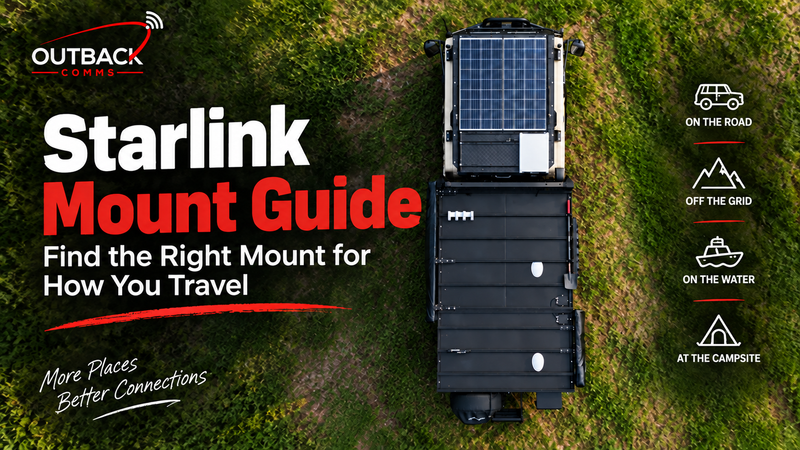 Starlink Mount Guide — Find the Right Mount for How You Travel
Read article →
Starlink Mount Guide — Find the Right Mount for How You Travel
Read article →
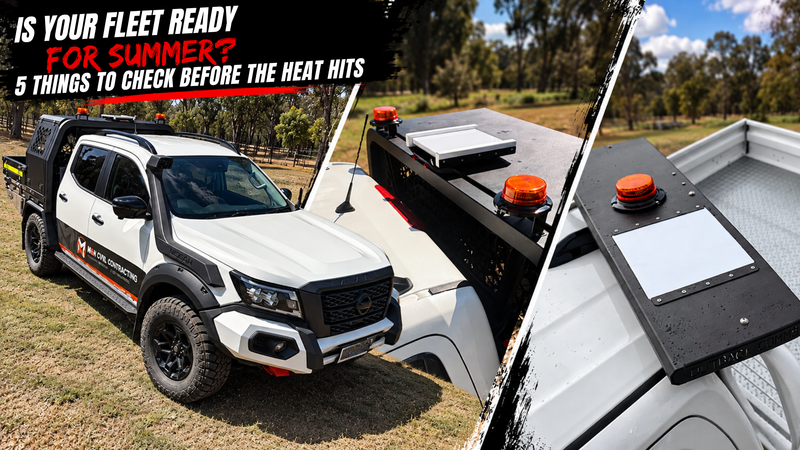 Is Your Fleet Ready for Summer? 5 Things to Check Before the Heat Hits
Read article →
Is Your Fleet Ready for Summer? 5 Things to Check Before the Heat Hits
Read article →
FAQ
Quick answers to the questions we hear most.
Which kit is right for my vehicle?
It depends on your Starlink, vehicle and how you plan to use it. Check out our Product Guide for an overview on each product - alternatively the product comparison is also a great way to narrow down your choice. Our team can help match the right mount and power setup to your needs.
How do I change my Outback Comms SSID/Password?
It depends on your Starlink, vehicle and how you plan to use it. Check out our Product Guide for an overview on each product - alternatively the product comparison is also a great way to narrow down your choice. Our team can help match the right mount and power setup to your needs.
Do I need a Starlink subscription?
Yes. You’ll need an active Starlink service plan to get connected. Outback Comms can also assist with Business Starlink plans for commercial customers.
Will my kit work while driving?
Our vehicle setups are designed for connectivity on the move. Compatibility depends on your Starlink hardware, service plan and mounting setup, so check the individual product specifications before use.
What's covered under warranty?
Our products are backed by warranty against manufacturing defects. Coverage varies by product, and damage caused by incorrect installation, misuse or use outside the product’s specifications may not be covered. - Please check our Warranty Policy.
How do I get support if I'm remote?
Give our team a call on 1300 017 576. We can troubleshoot with you remotely and help work out the best next step to get you connected again.
Can I use my existing Starlink dish with an Outback Comms kit?
Absolutely!
Can I install the kit myself?
Yes! If your handy on the tools otherwise contact your local auto leccy!
Help
Whether you're installing a new system, troubleshooting an issue, or just have a quick question, the Outback Comms team is only a call or email away. Our gear is built tough, and so is our support—reliable, responsive, and here when you need it.
Check out the FAQs and instructions above or contact us directly at sales@outbackcomms.com.au or 1300 017 576.